Wear OS 7 is one of the biggest wearable updates Google has released in years. The new version is based on Android 17, with an emphasis on smarter information, greater battery life, deeper Gemini integration, improved media controls and more usable widgets for Android smartwatches.
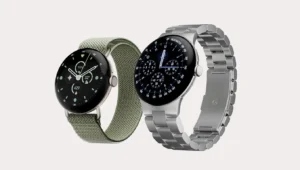
The update has already started to go out to eligible Pixel Watch models including the Pixel Watch 4, Pixel Watch 3 and Pixel Watch 2. Wear OS 7 is intended to make the watch even more helpful throughout the day for users. For developers, it delivers additional capabilities to build richer apps, watch faces, and wrist-based experiences.
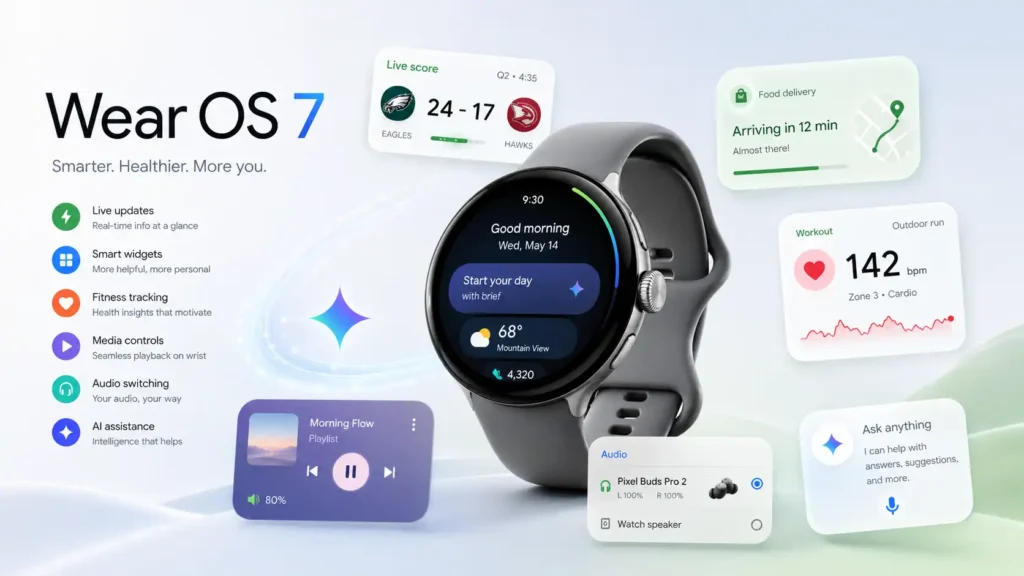
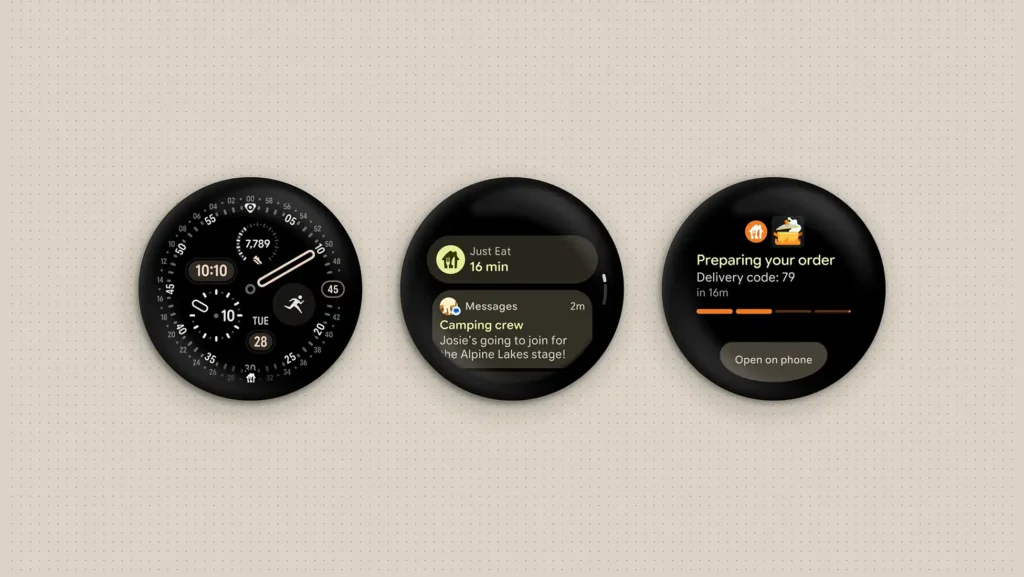
Live Updates is one of Wear OS 7’s key features. It allows consumers to see real-time information directly from the face of the watch or other crucial portions of the system.
Live Updates might display sports results, food delivery status, workout progress or other time-sensitive information. Users may just look at the smartwatch and see what’s important without having to keep checking the phone.
That makes Wear OS 7 more useful for rapid, contextual information, which is exactly where a smartwatch has the most advantage over a smartphone.
Google also preparing selected Wear OS 7 devices for Gemini Intelligence features. This adds further AI-assisted help to the wrist.
Create My Widget is one of the most exciting improvements. With this functionality, users will be able to construct custom widgets with natural language. instead of configuring a widget manually, the user can ask for a panel with specified information.
Gemini will also have multi-step actions on the watch. Examples that Google has given include ordering a typical meal or booking a fitness class. This indicates a future where the smartwatch will be more of a personal assistant than a passive screen.

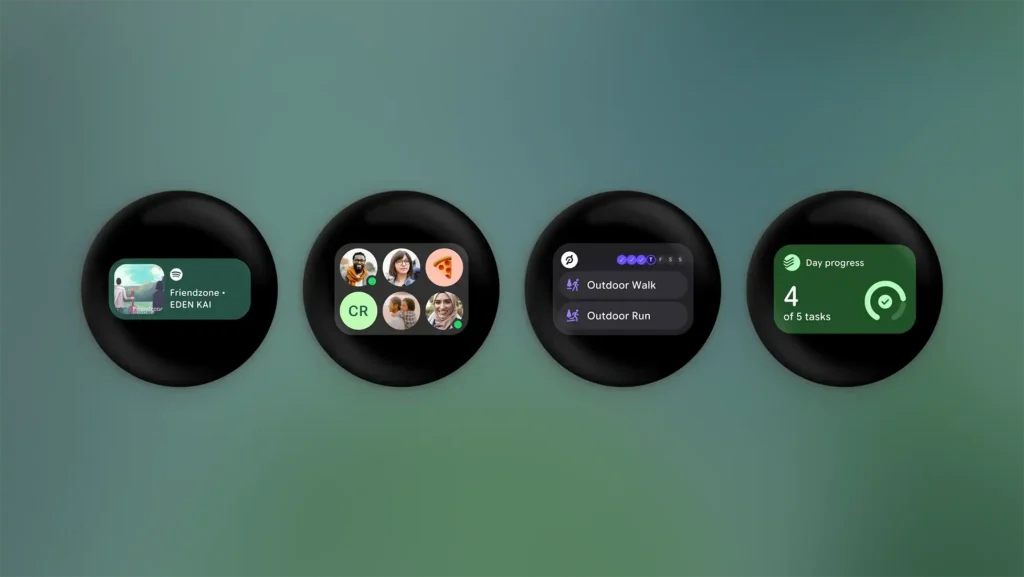
Wear OS 7 revamps quick-access information, too. Traditional Tiles are now more versatile widgets.
The new Wear OS widgets are built on Jetpack Glance and RemoteCompose, helping to bring the wearable experience in line with the wider Android ecosystem. Developers can make small and large card layouts, such the 2×1 and 2×2 formats on Android phones.
For users, this should result in more personal, informative and visually consistent wristwatch screens.
Battery longevity is a big priority in Wear OS 7. Google believes the update can offer up to 10% greater battery life over Wear OS 6 with system-level efficiency improvements.
That improvement might not sound huge, but on a smartwatch, more battery life can be a game changer. It can let consumers go through a whole day with more confidence, particularly with notifications, fitness monitoring, media controls and always-on display features activated.

The Pixel Watch Wear OS 7 version coming in June 2026 has a few particular changes. The Pixel Watch 4 features an improved Raise to Talk gesture mechanism, which should make voice interaction more dependable.
Plus emergency features enhanced. Wear OS 7 will be able to combine Loss of Pulse Detection, Car Crash Detection and Fall Detection with emergency sharing for contacts in the event of a catastrophic circumstance.
Wear Contacts app also gets a more modern interface with Material 3 features, larger contact images and quick action buttons. There are additional adjustments to the always-on display behavior and media controls.
Wear OS 7 isn’t a simple facelift. It brings real-time notifications, AI capabilities, smarter widgets, greater media control and increased efficiency to the Android wearable platform.
If you possess a Pixel Watch, the update brings several useful enhancements straight out of the box. Wear OS 7 creates a stronger base for smarter, more personalized and more powerful wearables for the broader Android ecosystem.