Recently, Android Auto has been facing a significant issue that is affecting many users. According to reports, the update to Android Auto versions 13.4 and 13.5, released in late January and early February 2025, brought a series of wireless connectivity problems.
The Problem
Many users reported that after updating to versions 13.4 and 13.5, Android Auto started experiencing failures in the wireless connection. In some cases, smartphones unexpectedly restart when trying to connect to Android Auto. Other users reported that the Bluetooth connection works briefly before dropping, or that the wireless connection is only restored after restarting the phone.
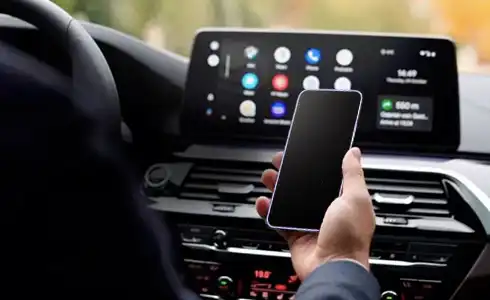
Although Google has not officially acknowledged the issue yet, some temporary workarounds have been suggested by users and experts:
- Update Android Auto: Check whether an update is available on the Google Play Store. Version 13.8 includes fixes for connectivity issues.
- Restart the Phone and the Car System: This is a temporary fix that may help restore the wireless connection.
- Clear Android Auto Cache and Storage: Go to Settings > Apps > Android Auto > Storage and Cache, and clear both options.
- Use a Wired Connection: While less convenient, connecting via a USB-C cable seems to work normally and can be a solution until the issue is resolved.
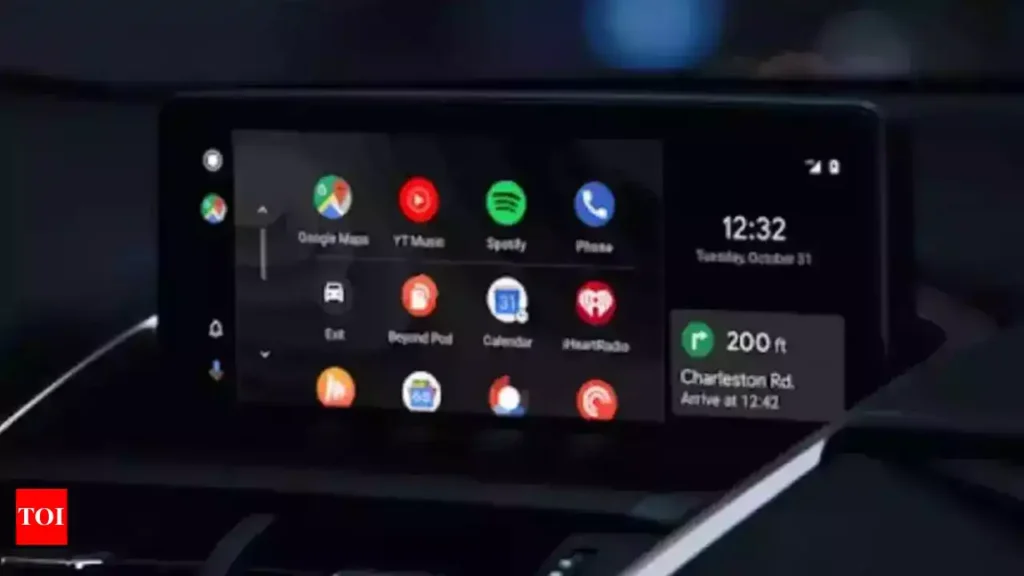
The wireless connectivity issue in Android Auto has been a headache for many users. While we await an official fix from Google, the temporary solutions can help reduce the problems. It is important to keep your apps updated and watch for new updates that may resolve these failures.