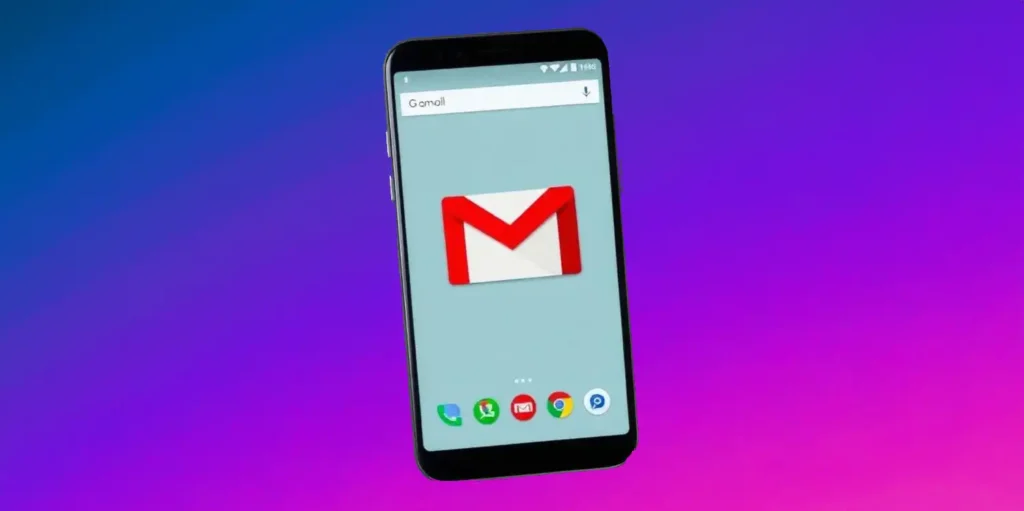
Gmail continues to evolve, rolling out features that improve the user experience. Recently, the app received an important update that changes Google Calendar summary cards, now available on Android and iOS devices.
Enhanced Summary Cards
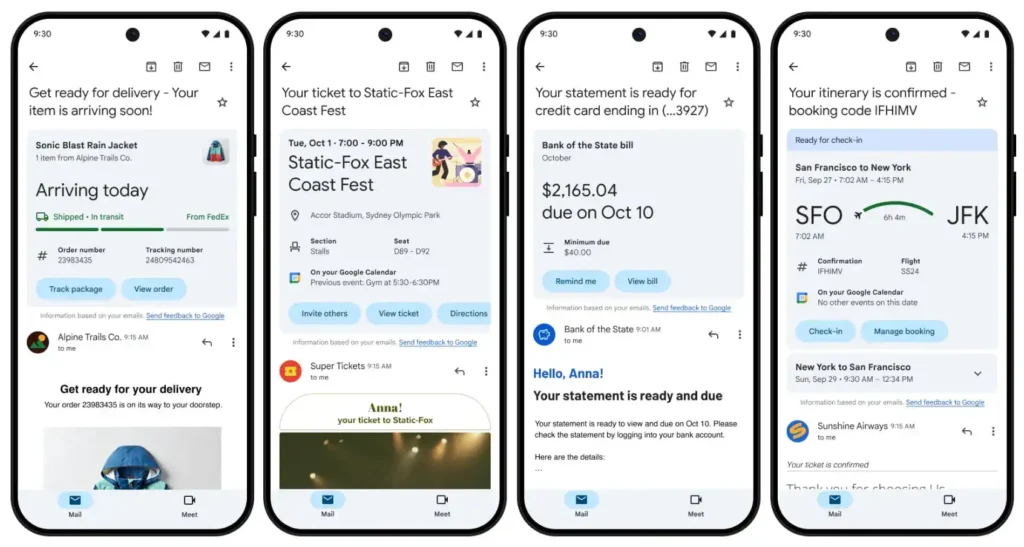
In October, Gmail introduced redesigned summary cards to simplify viewing and interacting with relevant data. Shopping cards were initially updated to display images, real-time package tracking information, and order details, along with useful shortcuts such as “Track package” and “View order.”
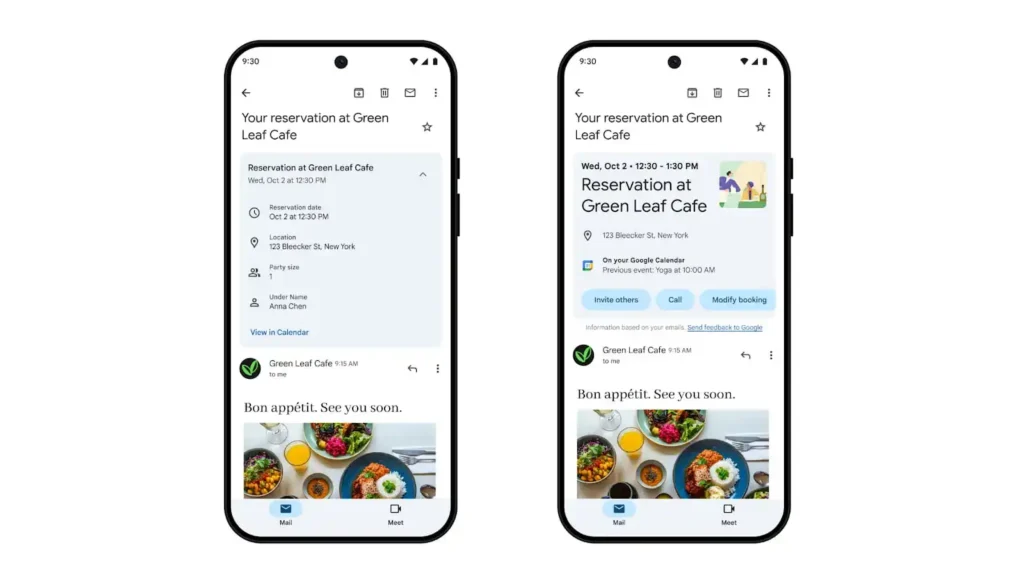
The latest update focuses on event cards linked to Google Calendar. Currently, when we receive an email related to an event, such as a restaurant reservation or a medical appointment, the card highlights the start date and time, followed by the event name and a related image. Additional information is also provided, such as location and specific details.
In addition, the card shows past events in your Google Calendar, with end times, and provides useful buttons to invite others, view tickets, get directions, add the event to your calendar, or place a call to the venue.
This update is rolling out to Google Workspace customers, individual Google Workspace subscribers, and users with personal Google accounts on Android and iOS platforms.
The expectation is that, soon, the updated summary cards will include categories such as Bills and Travel. In addition, this data will be incorporated into Gmail searches and displayed in a new “Happening soon” section above your inbox, offering an overview of upcoming events.
With these updates, Gmail reaffirms its commitment to delivering a more intuitive and effective user experience, simplifying access to vital information directly in the inbox.